How to Make Passport Size Photo Online Free in Seconds
Published on October 18, 2025 • By Imustom Editorial Team
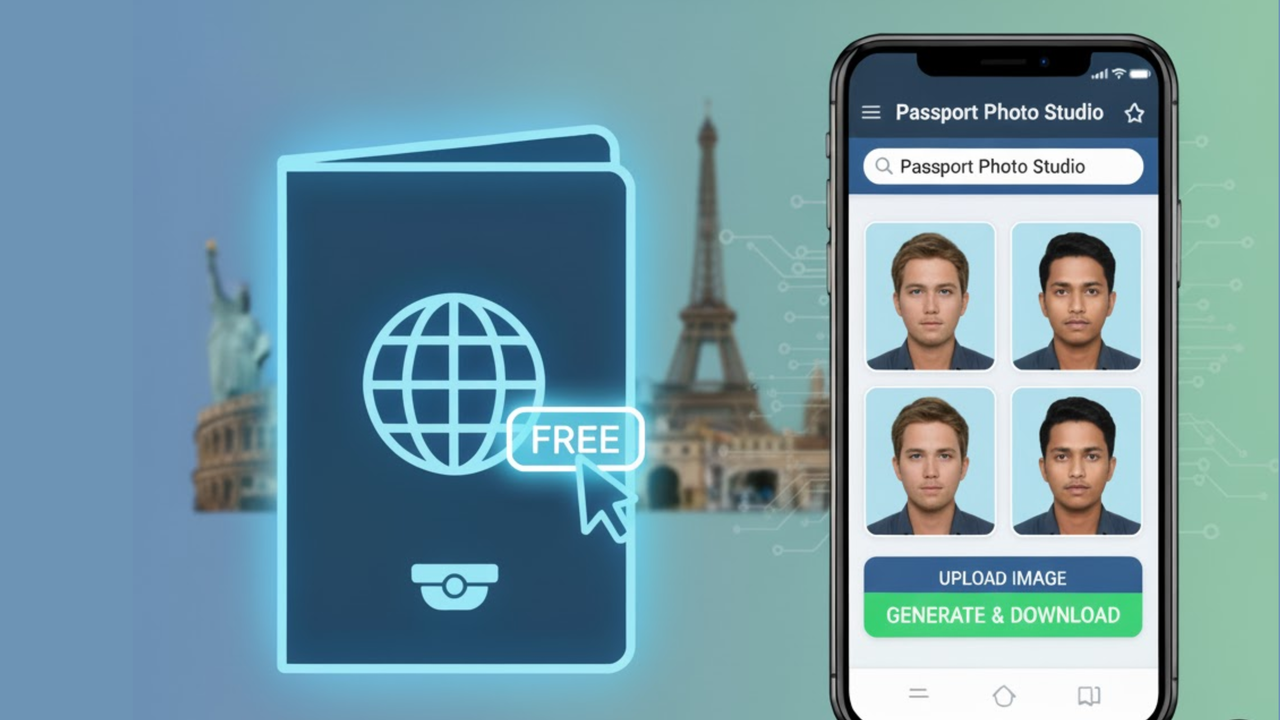
Getting a passport photo can be a hassle. You have to find a photo booth, pay a fee, and hope the lighting is decent. But what if you could do it all from home, for free?
With the right tool, you can easily make passport size photo online free, and it only takes a few minutes. This guide will show you exactly how to do it using our simple editor.
Why Make a Passport Size Photo Online?
The biggest reasons are convenience and cost. There's no need to travel or pay for a service. You can take a photo with your phone against a plain background, upload it, and resize it to the exact specifications required.
It’s perfect for official documents, ID cards, or any situation where you need a clear, standardized headshot.
A Step-by-Step Guide
- Upload Your Headshot: Start by uploading a clear photo of yourself looking directly at the camera with a neutral expression. A plain, light-colored background works best.
- Select 'Custom' Size: In the right-hand panel, find the "Canvas Size" section and click on the 'Custom' button. This will let you enter exact dimensions.
- Enter Passport Dimensions: For a standard passport photo, the dimensions are typically 2x2 inches. To get the best quality, enter the pixel equivalent, which is 600px width by 600px height.
- Adjust Your Photo: Once the canvas is resized, click on your image. Drag it to center your face, and use the resize handles to make sure your head fits the requirements.
- Download Your Photo: Go to the Export Settings and download your image in high quality. It’s that easy!
Ready to create your passport photo?
Imustom gives you pixel-perfect control with zero watermarks and 100% in-browser privacy.
Open Free Editor